
English
Appearance
This page is accessed via the Menu () on the Home Screen and provides map management tools covering the same map-related operations as the official app. Managing the layout through this card provides the following advantages over the mobile app:
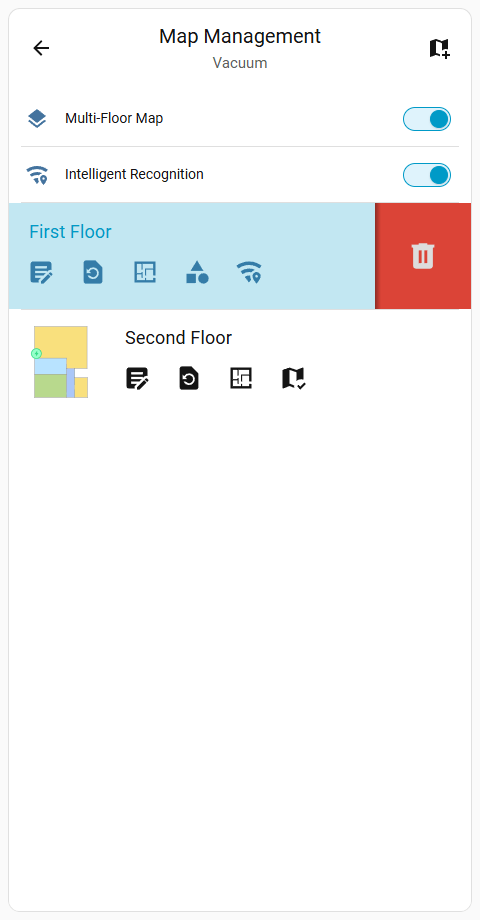
Provides options to manage saved floors and multi-story homes. This screen includes the master multi-floor map toggle switch.

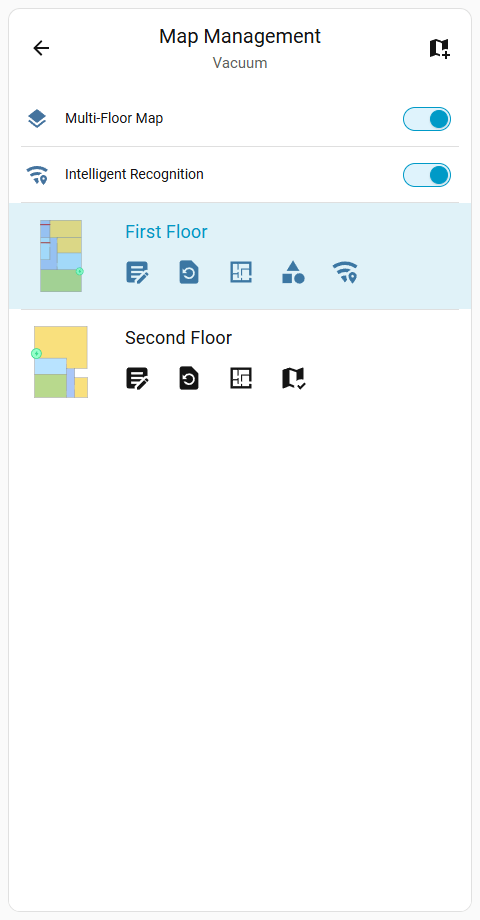
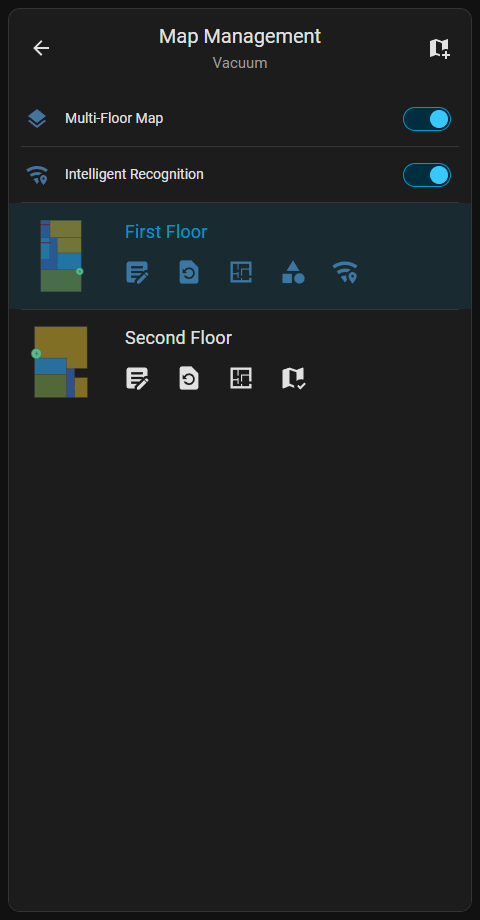
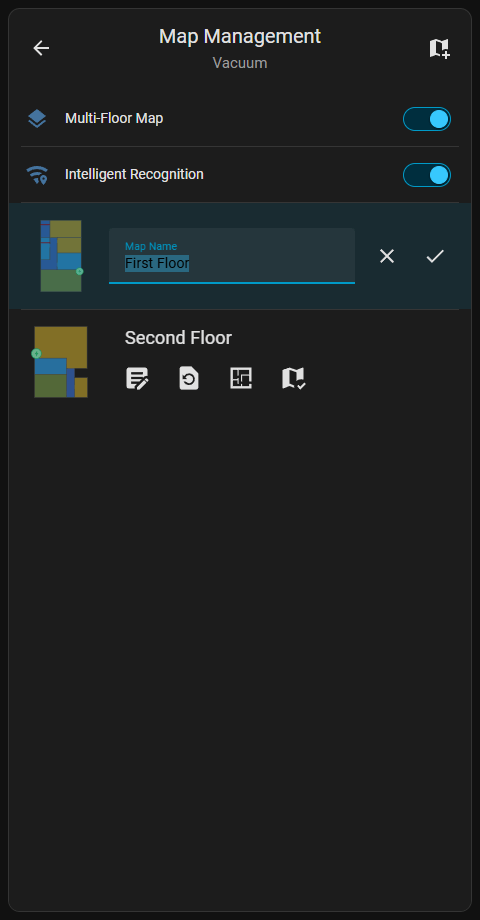
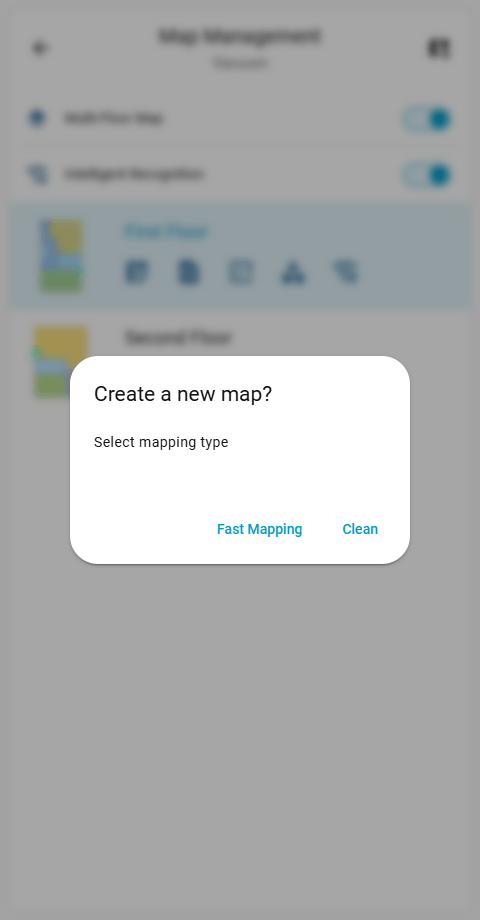
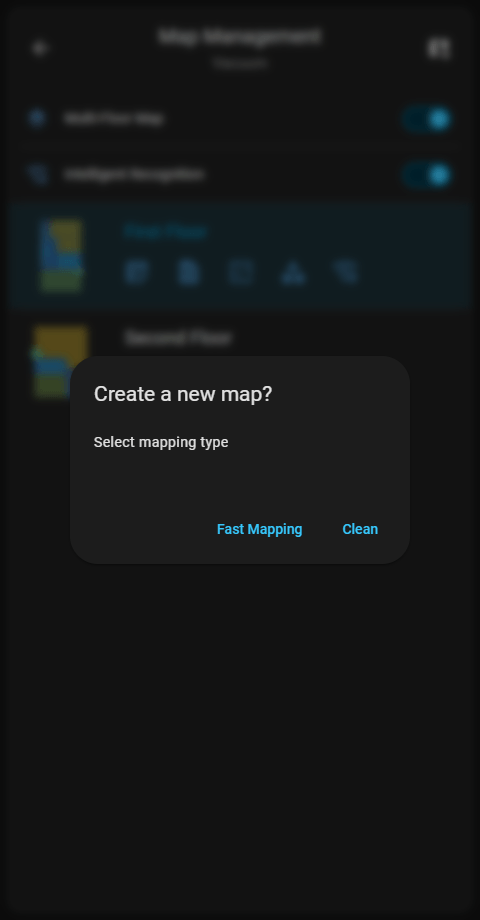
dreame_vacuum.start_fast_mapping or dreame_vacuum.start_mapping service.dreame_vacuum.vacuum_rename_map service.dreame_vacuum.vacuum_select_map service to change the active map.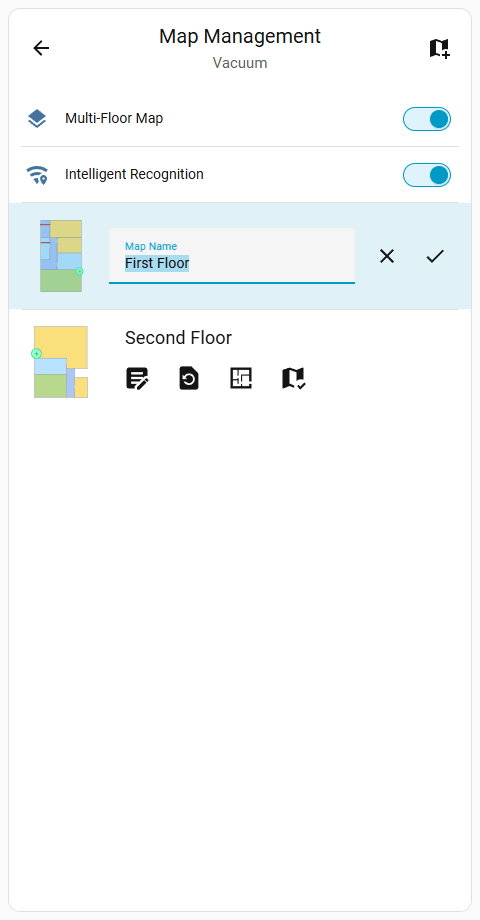
Deleting a Map
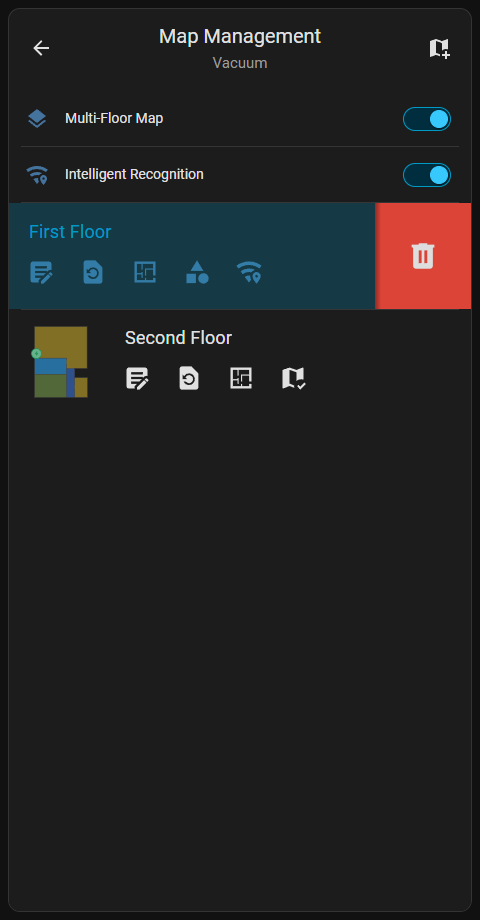
Swiping Left across an item reveals the Delete () button. A Long press on touch devices or a Right-click with a mouse also reveals this button.