
English
Appearance
The Home Screen is the primary interface of the card. It provides direct access to cleaning settings, operation controls and buttons for controling the device.
By default, the card displays an interactive map alongside essential interface elements. These include operational controls, the task type selector, action buttons, dock controls and the main menu. The map also provides live updates on the robot's status, showing recognized obstacles, active errors and customized carpet settings directly on the map.

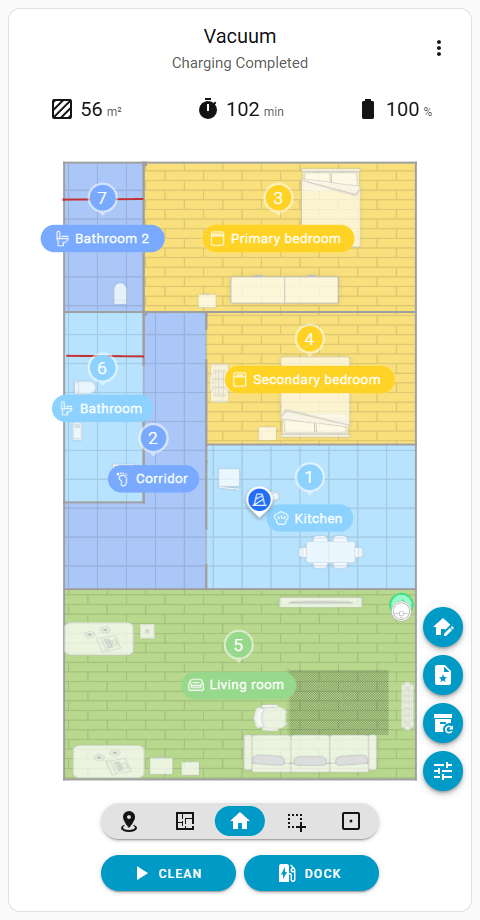
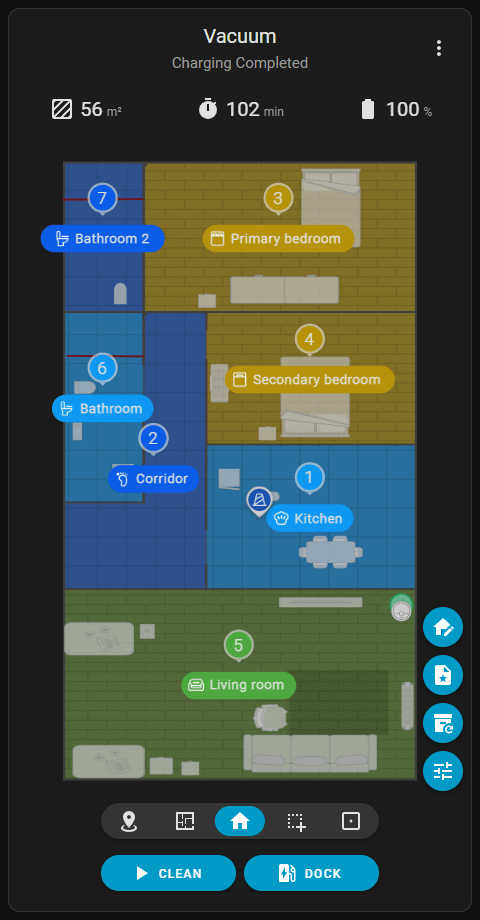

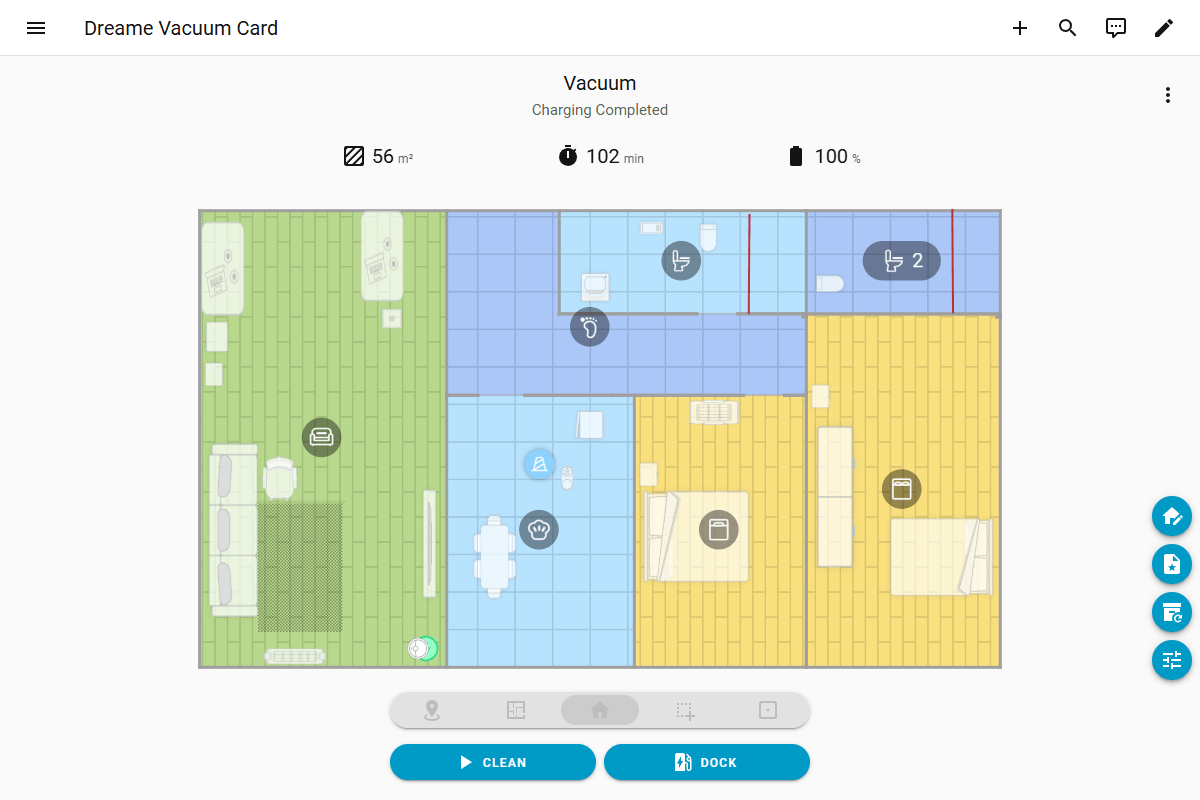
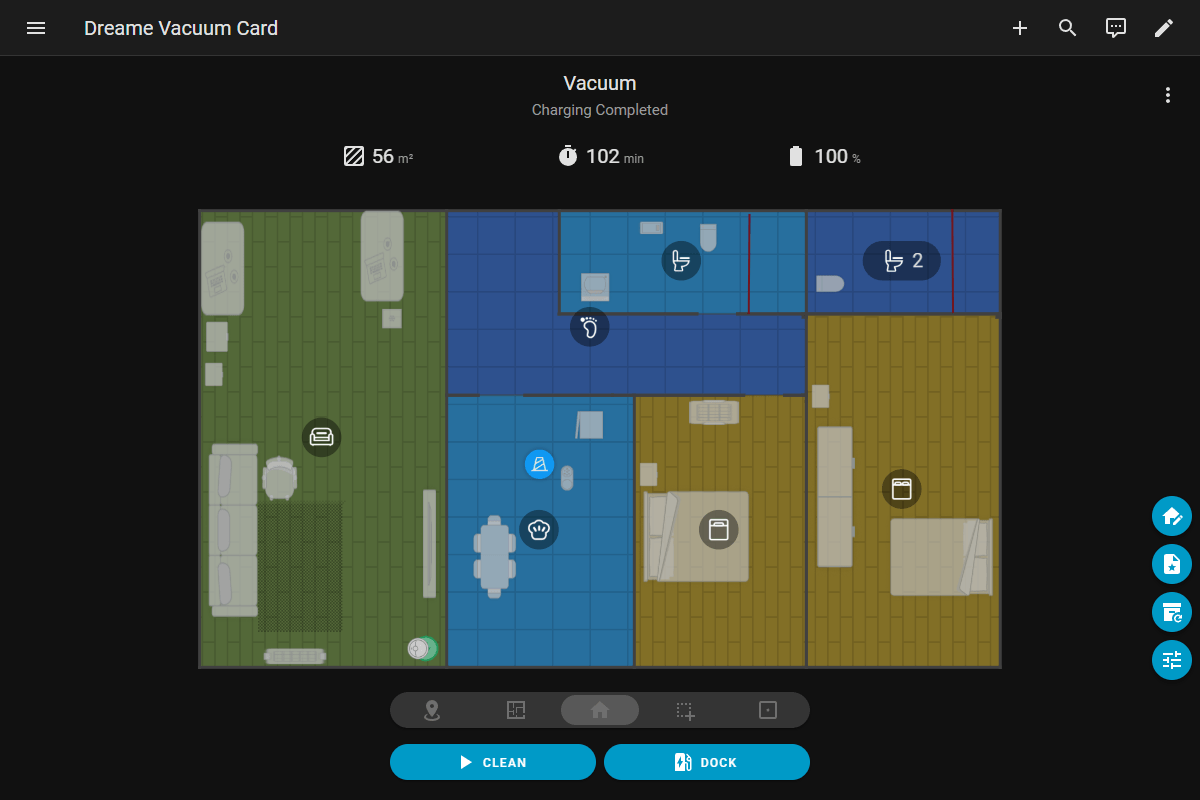
The main menu is located in the top-right corner of the card and provides access to the following options:
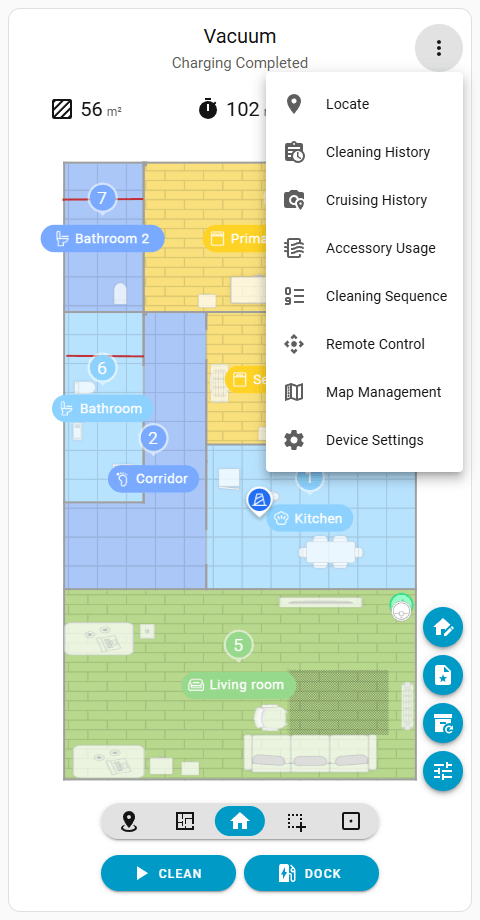
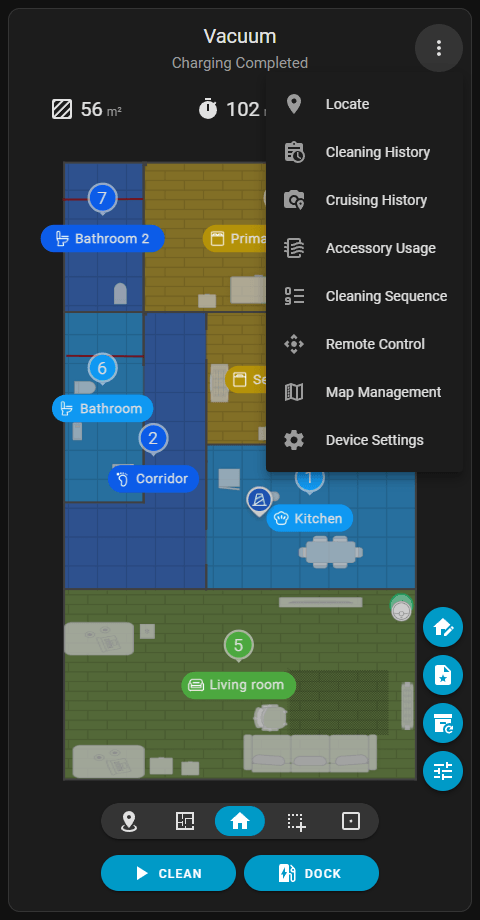
vacuum.locate service to identify the robot's physical position.The top section of the map displays real-time telemetry from the vacuum during active tasks.
sensor.cleaned_area): Total cleaned area covered during the ongoing operation or the most recent run.sensor.cleaning_time): Elapsed time of the ongoing operation or the most recent run.sensor.battery): Real-time battery percentage of the vacuum. The battery icon and its color dynamically change to reflect the current charge level and vacuum state, such as charging, low battery, or paused. The Battery Level section in the Legend contains a complete list of states.Dynamic Units
When the Imperial system is configured, area measurements automatically convert to square feet (ft²). Additionally, the time unit (min) is translated according to the active Home Assistant locale.