English
Appearance
This page is accessed via the Menu () on the Home Screen and provides options to review past cleaning sessions and analyze performance metrics.
Displays a log of the robot's most recent 30 cleaning tasks. Each list item features a small dot icon on the left side indicating the task's status: the dot appears orange if the robot encountered a blocked room or detected a dirty area and red if the task was interrupted. Tapping on a list item navigates to its Cleaning Details page for an in-depth breakdown.

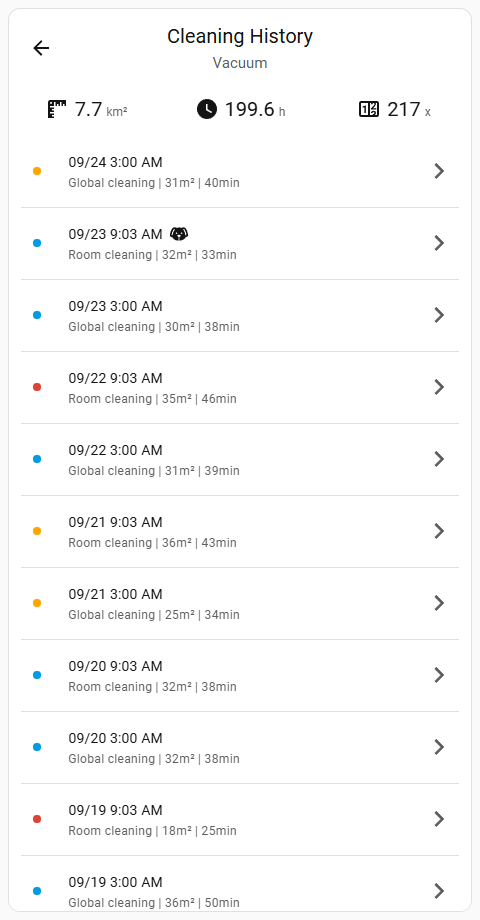
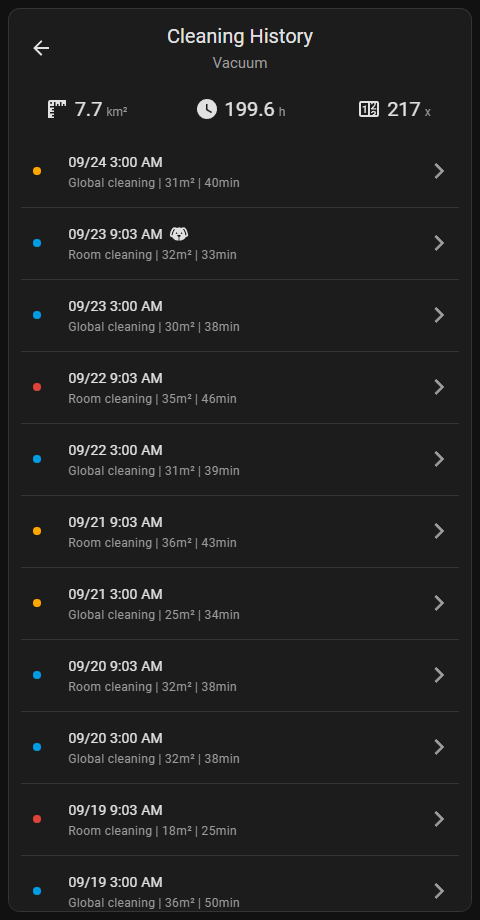
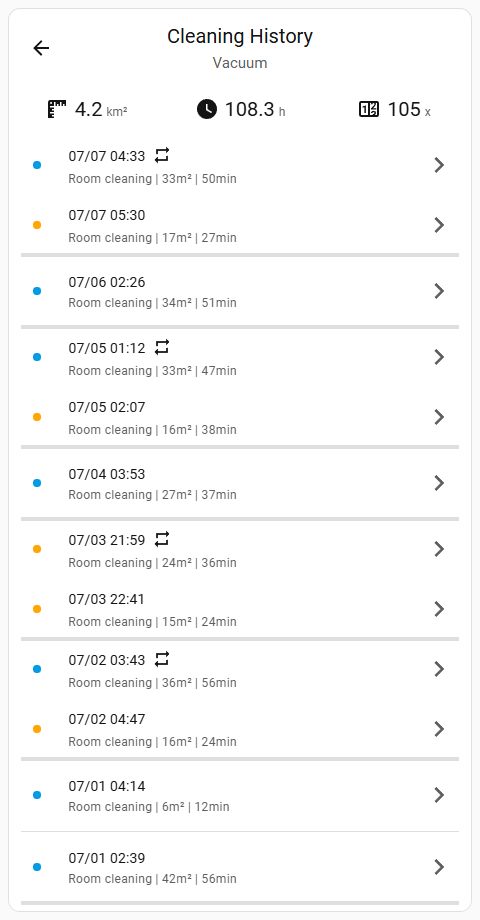
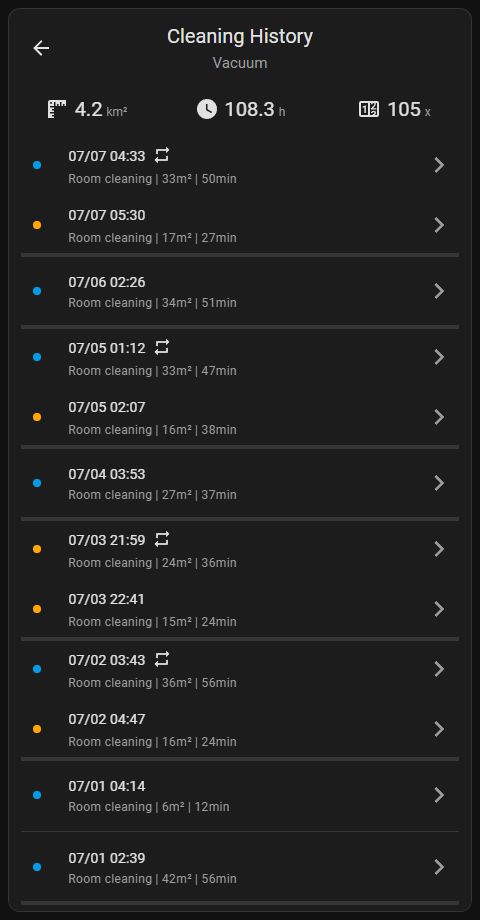
The list sorts chronologically with the most recent task appearing at the top. On devices supporting CleanGenius and Second Cleaning, related consecutive tasks are visually grouped together. Within these groups, the oldest task appears at the top, reflecting the continuous sequence of cleaning events.
The top section of the list displays cumulative statistics summarizing the vacuum's historical usage.
sensor.total_cleaned_area): Displays the cumulative cleaned area the vacuum has covered since its last factory reset.sensor.total_cleaning_time): Shows the total sum of time the vacuum has spent actively cleaning since its last factory reset.sensor.cleaning_count): Indicates the total number of individual cleaning tasks the vacuum has executed since its last factory reset.Dynamic Units
When the Imperial system is configured, area measurements automatically convert to square feet (ft²). Additionally, the time unit (min or h) is translated according to the active Home Assistant locale.
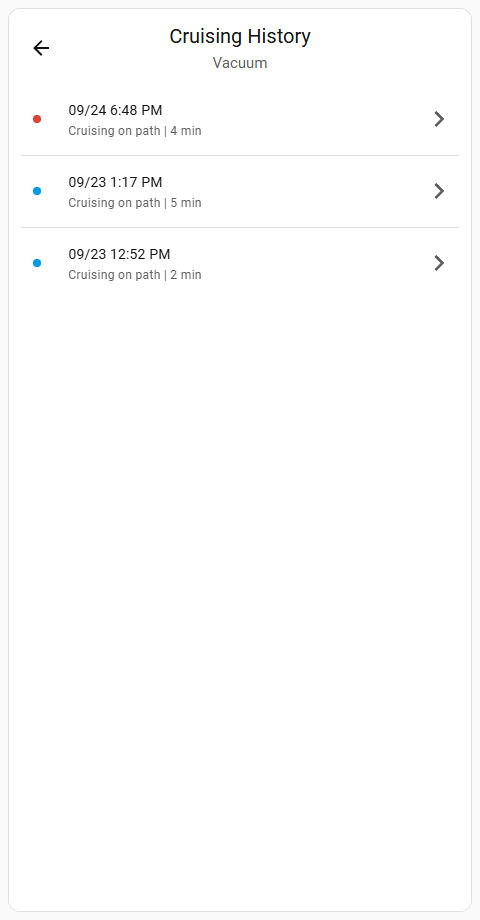
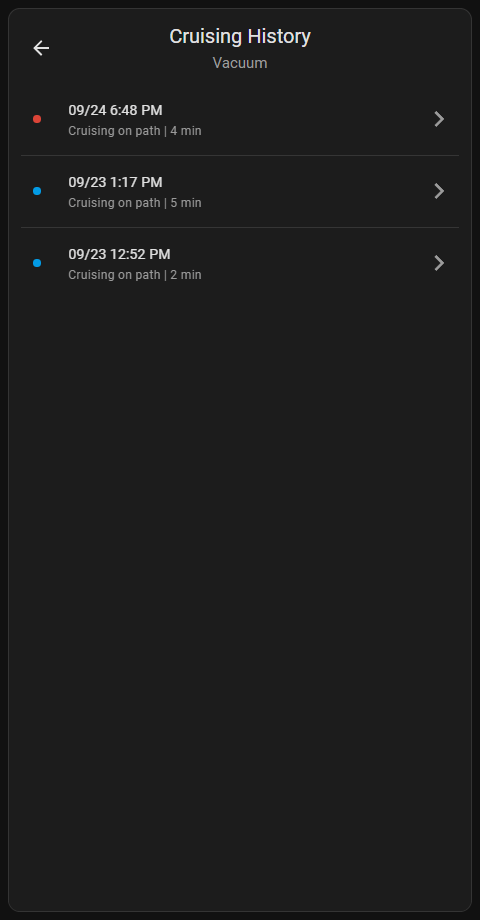
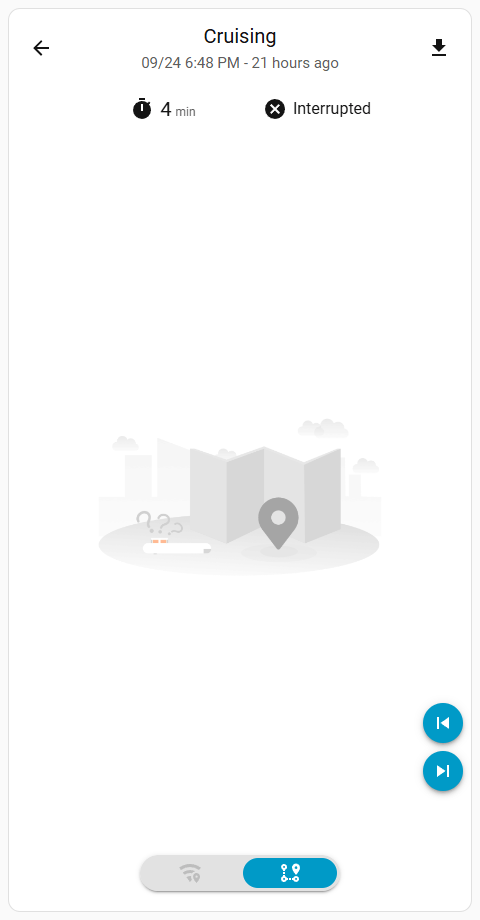
On devices supporting camera streaming capabilities, this page displays a log of the robot's past cruising tasks. It provides details for both cruising to point and cruising on path missions, regardless of whether they were initiated manually or triggered via an automated schedule.