
English
Appearance
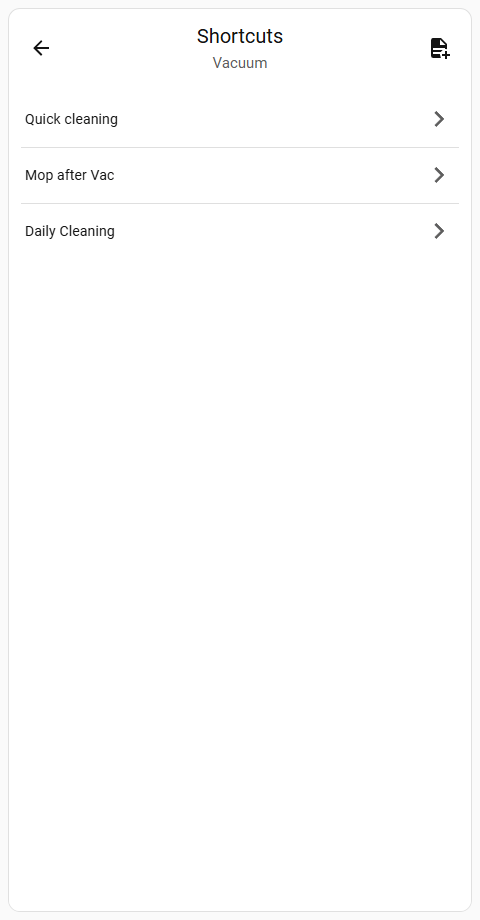
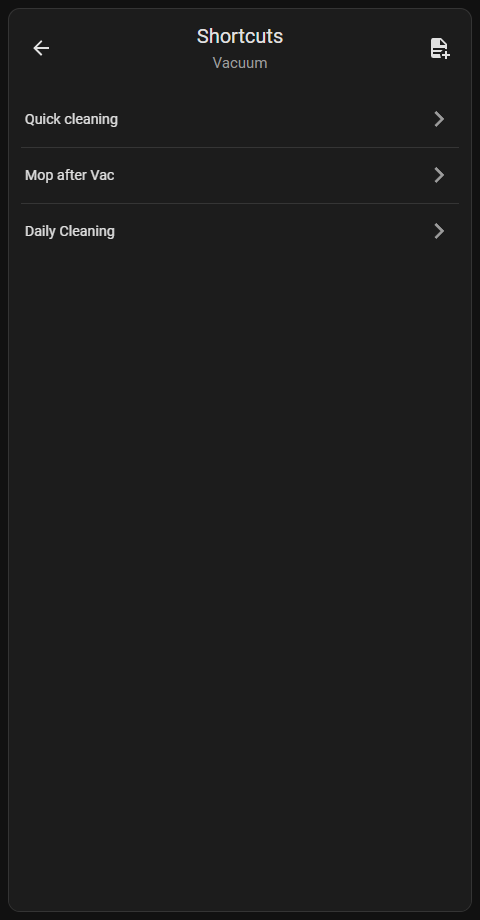
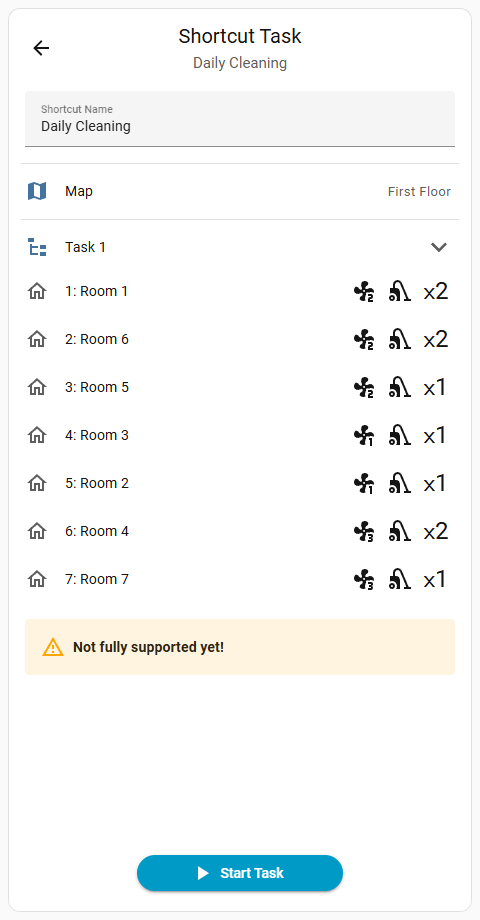
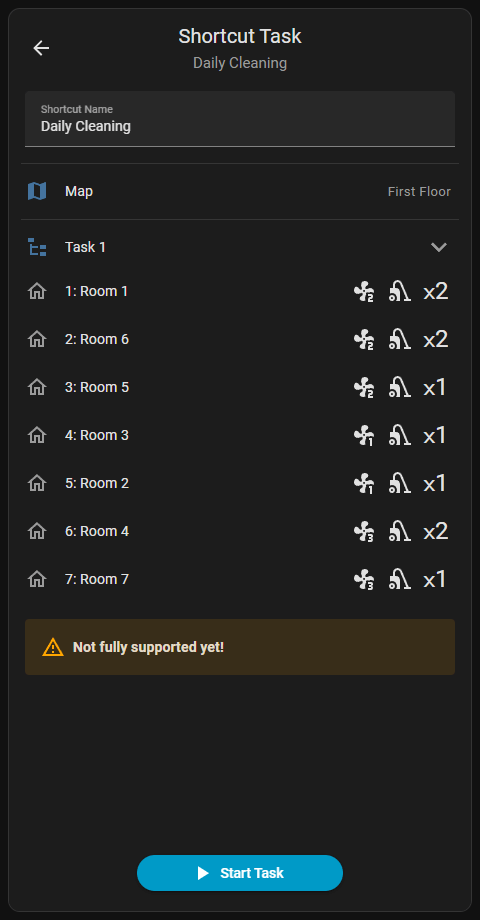
Displays the list of shortcut routines. Provides options to add new shortcuts via the New shortcut task () button and delete existing ones. Tapping a shortcut opens its configuration screen to edit properties or execute the task.

Deleting a Shortcut
Swiping Left across an item reveals the Delete () button. A Long press on touch devices or a Right-click with a mouse also reveals this button.
Not Fully Implemented
Shortcuts functionality is partially implemented. Only the Shortcut Name can be edited. The content of the shortcut, including individual tasks, selected rooms and specific cleaning settings, remains viewable.