
English
Appearance
The Dreame Vacuum Card is an advanced, tightly integrated interface built directly into the dreame_vacuum integration. The interface functions solely as a limited preview until a license key is activated.

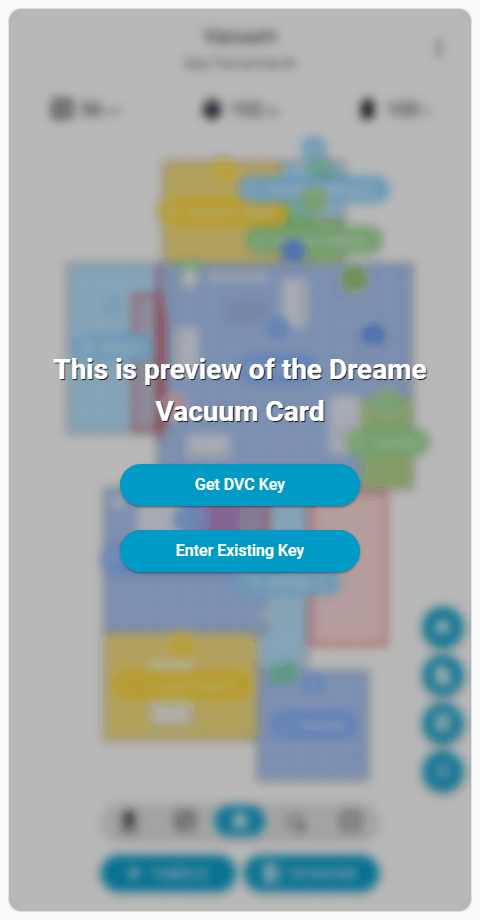
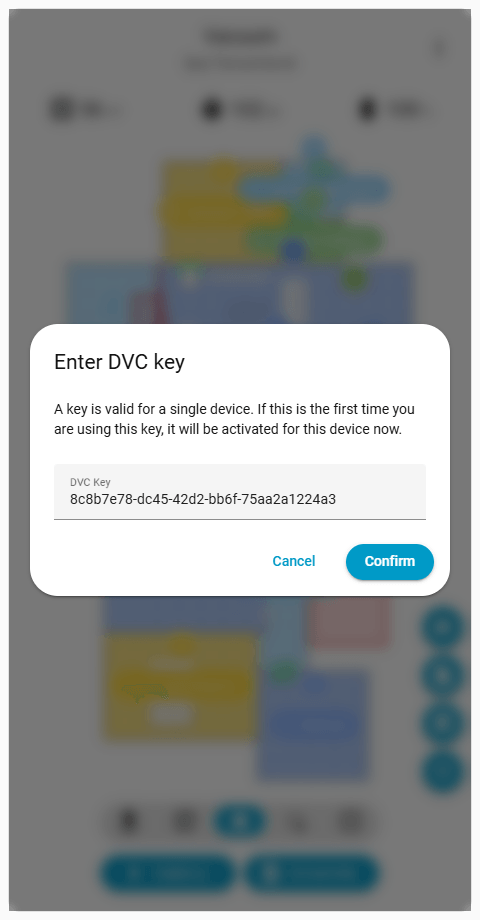
You can activate your card either directly from the dashboard (recommended) or via the integration settings.
IMPORTANT
Card Installation: Add the card to your dashboard as detailed in the Installation guide. The interface functions as a limited preview until activated.
Key Acquisition: Clicking Get DVC Key on the preview card opens a secure checkout tab. Upon successful payment, your unique license key is displayed for copying and remains accessible in the secure customer portal.
Dialog Access: Click Enter Existing Key on the preview card to open the activation dialog.
Key Validation: Paste your license key and submit. The integration verifies it against the license server and instantly unlocks the card across all dashboards.
Key Reception: Upon successful payment, copy your unique license key from the confirmation screen. It also remains accessible in the secure customer portal.
Device Configuration: Navigate to Settings > Devices & Services in Home Assistant. Click Configure () on your Dreame Vacuum device.
License Key Entry: Paste the key into the DVC Key field and click Submit. The integration validates it and instantly unlocks the card on all dashboards.
The Dreame Vacuum Card prioritizes security and data privacy through the following architectural decisions.
The integration does not continuously check the license status in the background, nor does it perform checks when Home Assistant restarts. A verification request is triggered only when the card is added to a dashboard and loaded by the interface. Each card version is strictly tied to a specific integration version. A new verification request becomes mandatory whenever a new version of the integration is installed. Aside from these version updates, re-adding the integration, or reinstalling Home Assistant entirely, the system communicates with the license server only once.
All network requests are made exclusively to api.tasshack.com. The card never sends any data or requests to third-party payment services. This server operates over a secure SSL connection and stores all information in a private, encrypted database rather than a public environment.
Checkout and payment collection are handled entirely by the authorized payment provider, Polar, acting as the Merchant of Record. Card numbers, billing details, and other payment information are submitted directly to and processed by Polar. They are never transmitted to, seen by, or stored on the integration servers. The Payment Processing section of the Privacy Policy and the Merchant of Record section of the Terms of Service provide detailed information.
The code delivered from the server is encrypted and uniquely signed for the specific device. The integration rigorously validates this signature to prevent Man-in-the-Middle code injection attempts.
The integration securely hashes the unique identifier of the device into an irreversible and untraceable format for license pairing. This data resides solely on the license server and is strictly kept away from third parties or payment providers. Comprehensive details regarding data handling are outlined in the Privacy Policy documentation.
The card added to the dashboard does not make any external network requests. All actions are routed entirely through internal Home Assistant frontend APIs and the services and endpoints provided by the integration. The card is fully self-contained and does not load external third-party resources.
The Dreame Vacuum integration and the Dreame Vacuum Card require continuous development to support new vacuum models, implement new features, resolve software issues, and maintain compatibility with Home Assistant updates. Recurring subscription payments and continuous background license verification processes disrupt the user experience.
This device-specific license model provides a sustainable alternative to subscriptions and donations. Each license key permanently activates the card for a single vacuum device, and multiple vacuums require individual license keys. This approach anticipates hardware upgrades over a multi-year timeframe. Acquiring a license for a newly purchased device directly funds the substantial development effort required to integrate and fully support new hardware models.